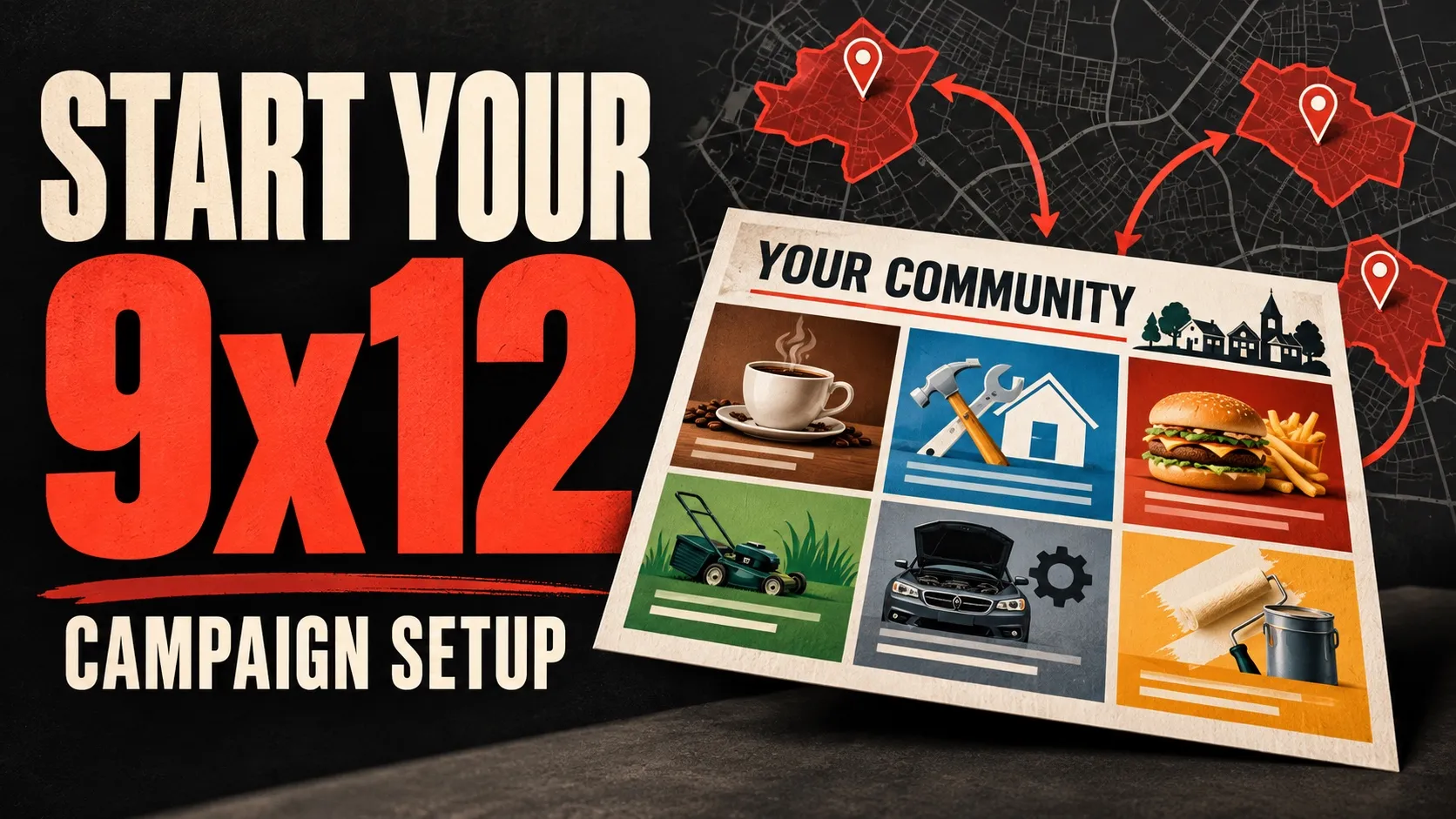
Since this was written, the platform does the list-building half of this. When you save your EDDM routes, 9x12 Tools searches the businesses in your mail area across the categories that buy 9x12 spots, scores each one, grades them against each other and hands you a ranked queue. The daily rhythm below is still the job — this post is about the outreach discipline, which is the part no software does for you. Read it for the cadence, not for the spreadsheet.
Who this is for
9x12 operators. You’re building a community card and you need to fill ad slots.
This is not written for the businesses buying ads. It’s written for the person selling placements.
What you’re selling (so the email makes sense)
You’re not selling “marketing services.” You’re selling one ad placement on a shared postcard.
A simple operator offer to keep in your head:
- “We’re mailing to {{X}} local homes in {{Area}}.”
- “There are {{slots}} spots on the card.”
- “A spot is {{price}}.”
- “We’re finalizing by {{date}}.”
The play (daily)
Step 1 — Pick one tight area (for 7 days)
Don’t bounce cities every two days.
Pick one:
- 1 ZIP code
- 1 small town
- 1 cluster of neighborhoods
Your goal is simple: a list you can finish today and repeat tomorrow.
Step 2 — Build 50 prospects (fast, not fancy)
Aim for 50 businesses that are a clean fit for your card.
Easy categories that usually work:
- home services (roofing, HVAC, plumbers)
- dental/ortho
- gyms / fitness
- med spa / chiropractic
- landscaping
Capture only what you need:
- business name
- owner/manager name (if you can find it)
- email (or contact form)
- phone (optional)
- city + ZIP
- one-line note (why they’re a fit)
Stop at 50. Operators who win are operators who ship.
Step 3 — Send the first touch (operator framing)
Keep it human. Keep it short. The goal is a reply.
Subject: quick question
Body:
Hey {{Name}} — I’m putting together a community postcard with a handful of local businesses.
It mails to {{X}} homes in {{Area}}.
Want me to send the details?
— {{YourName}}
If you have a rough date, add it:
We’re finalizing this week.
Step 4 — Follow up like a grown-up (simple cadence)
Most slots are sold on follow-up.
Run this cadence:
- Day 0: first email
- Day 2: follow-up #1
- Day 5: follow-up #2
- Day 9: “finalizing” follow-up
Follow-up #1 (Day 2):
Hey {{Name}} — just bumping this.
Want the details?
Follow-up #2 (Day 5):
Hey {{Name}} — last try from me.
If you’re not the right person, who should I talk to?
Finalizing (Day 9):
Hey {{Name}} — we’re finalizing the card.
If you want me to hold a spot, reply “info” and I’ll send it over.
Step 5 — Track next actions (or you’ll lose deals)
Use three columns:
- Status: Sent / Interested / Not now / No reply
- Next action date
- Notes
If you can’t see your next actions at a glance, you’re going to “feel busy” and still not fill the card.
Mistakes to avoid
- Building a 300-business list before you send a single email
- Writing a long pitch on the first touch
- Switching areas every 48 hours
- Not following up (this is where the money is)
Next actions (copy/paste checklist)
- Pick one area for the next 7 days
- Build 50 prospects today
- Send the first-touch email today
- Schedule follow-ups (Day 2/5/9)
- Record replies and keep moving
Fifty prospects a day is step one of five. Here is the rest of the list — including the step we spent two years putting in the wrong place.
We don’t sell training, and we’re not going to. If you want a room of operators actively running cards — swapping scripts, posting what’s working this month — the one we take part in is the Print & Postal Profit Lab — a free Skool community run by Will Bradwell. It isn’t ours, we don’t run it, and the link is a referral link.
Read next
Who Should You Call First? How the Lead List Builds and Ranks Itself
Save your EDDM routes and the businesses in your mail area are already found, scored and ordered. Here is exactly where they come from, what the grade means, and where it should be overruled.
Read the guide